Parenting resources with sources · Ages 0–18

Add eduStack to your device

Open your browser’s menu and look for Install app or Add to Home Screen. Some desktop browsers also show an install icon in the address bar. If no option is available, you can bookmark this site instead.

Offline reading is limited to saved site pages. Original papers, external resources and tools need an internet connection. Child profiles stay on this device; installation does not add cloud sync.

Opens an external website in another tab or browser window

Grow together. Get to know your child.

Understand your child as they grow. Find thoughtful reading and practical tools for everyday family life, from birth to 18, with links to original sources.

Keep eduStack close at hand

Add it to your home screen for an easier return. Some pages you have read are available offline.

EVERY AGE, A NEW CHAPTER

A new discovery at every age.

Understand development · Find resources · Try tools together

Age groups help you find relevant reading; they are not a test of your child’s abilities. Children develop at different paces.

QUESTIONS WE SHARE

Questions we share as parents

All topics
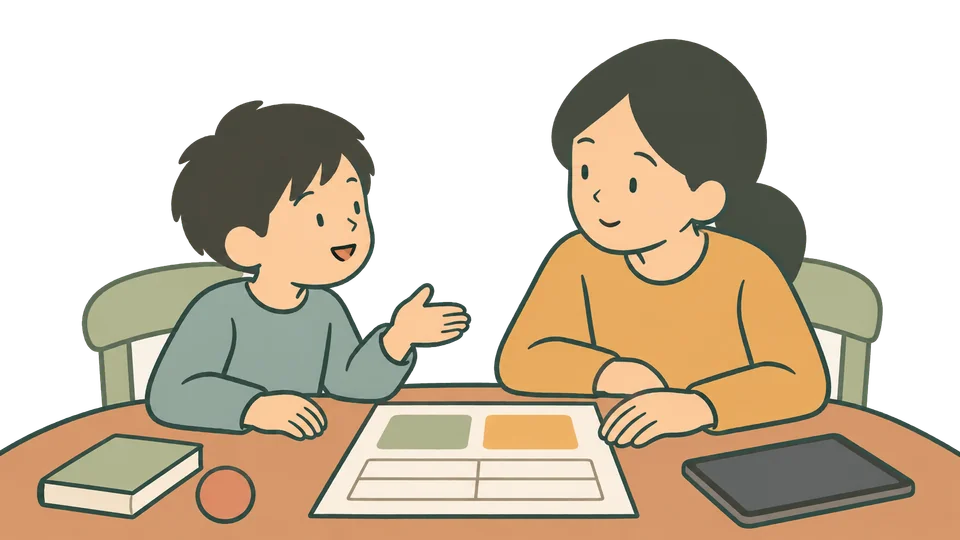
A parent and child discuss how to use a tablet togetherDigital life

Screen time:
age matters, and so does use.

Compare advice from WHO, the American Academy of Pediatrics and others. See where they agree and where they differ.

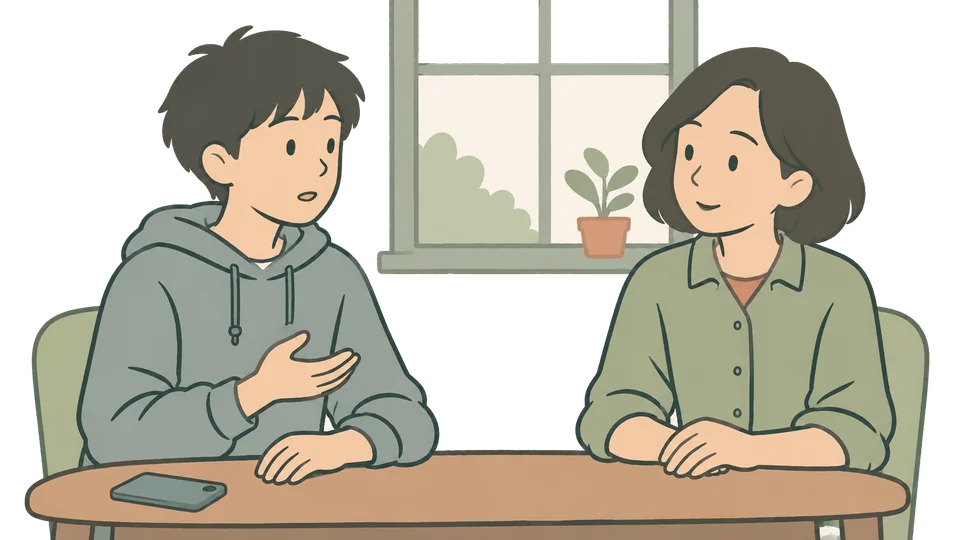
A teenager sets their phone aside to sit and talk with a parentTeens & communication

Social media:
start the conversation together.

From family agreements and protecting sleep to media literacy, explore what to discuss before getting started.

Parenting questions.
Answers with sources.

Every resource leads back to its source.

Key advice links to original sources. We distinguish guidelines, research and books, and show when content was updated or sources checked.

Room to read. Peace of mind.

No ads and no sign-up. Your child’s profile stays in your browser.